
ART STYLE
Turn Photos into Black-and-White Film Portraits — the Grain and Silence of Documentary Photography
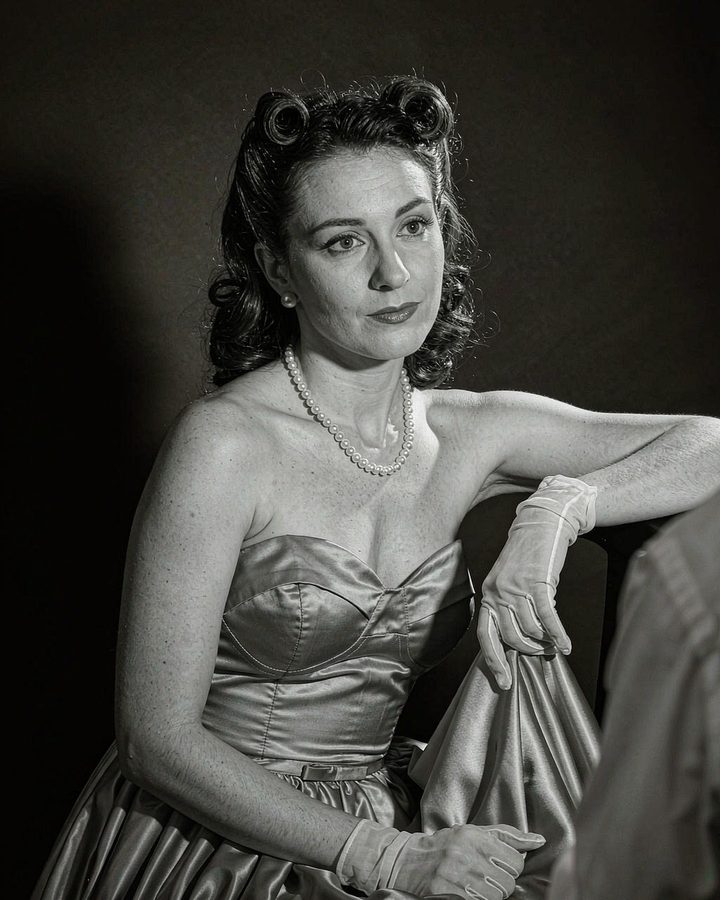
Photographs from the film era have a quality hard to replicate digitally: highlights bloom, shadows carry grain, and once color is stripped away only the relationship of light and dark remains. What makes Dorothea Lange’s “Migrant Mother” unforgettable is how those coarse grains and overexposed highlights speak for the subject — a warm, accidental moment developed in the darkroom. Ruhali’s film series does exactly that: “develop” the digital photo once more, restoring the tonal range of medium-format black-and-white documentary photography.
Best Photos to Use
Any photo works, but the simpler the composition the better. Half-body shots with a clean background perform best. Color is fully removed, so information carried by color in the original disappears — avoid large areas of colored checks or patterns.
Film vs. Plain Black-and-White
Black-and-white is a function; film is a texture. Ordinary desaturation is just color removal, but film brings grain, blooming highlights and soft silver-gelatin transitions, with slightly softened edges — the difference lives in those details.
EXAMPLES
Style Examples
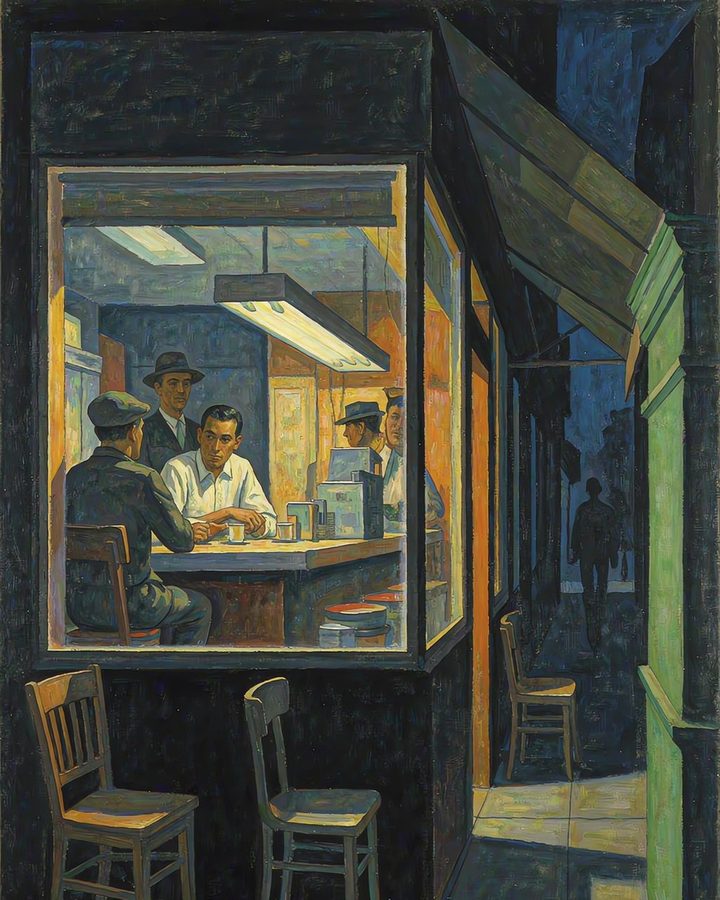
The example images below are AI-generated results for each style. Your actual artwork depends on your own photo.
Ruhali
Frequently Asked Questions
Will it become fully black-and-white?
Yes. The film style removes all color information, keeping only light-and-dark gradation. If you want to keep a touch of color, choose Impressionist or Pop.
Will the grain look rough?
No. The grain simulates the fine silver particles of medium-format film at normal exposure — nearly invisible at thumbnail size, revealing texture only when enlarged, which is exactly the difference between digital noise and film grain.

Scan the QR code with WeChat, or search for the "Ruhali" mini-program to start your first artwork.